 Twinsub
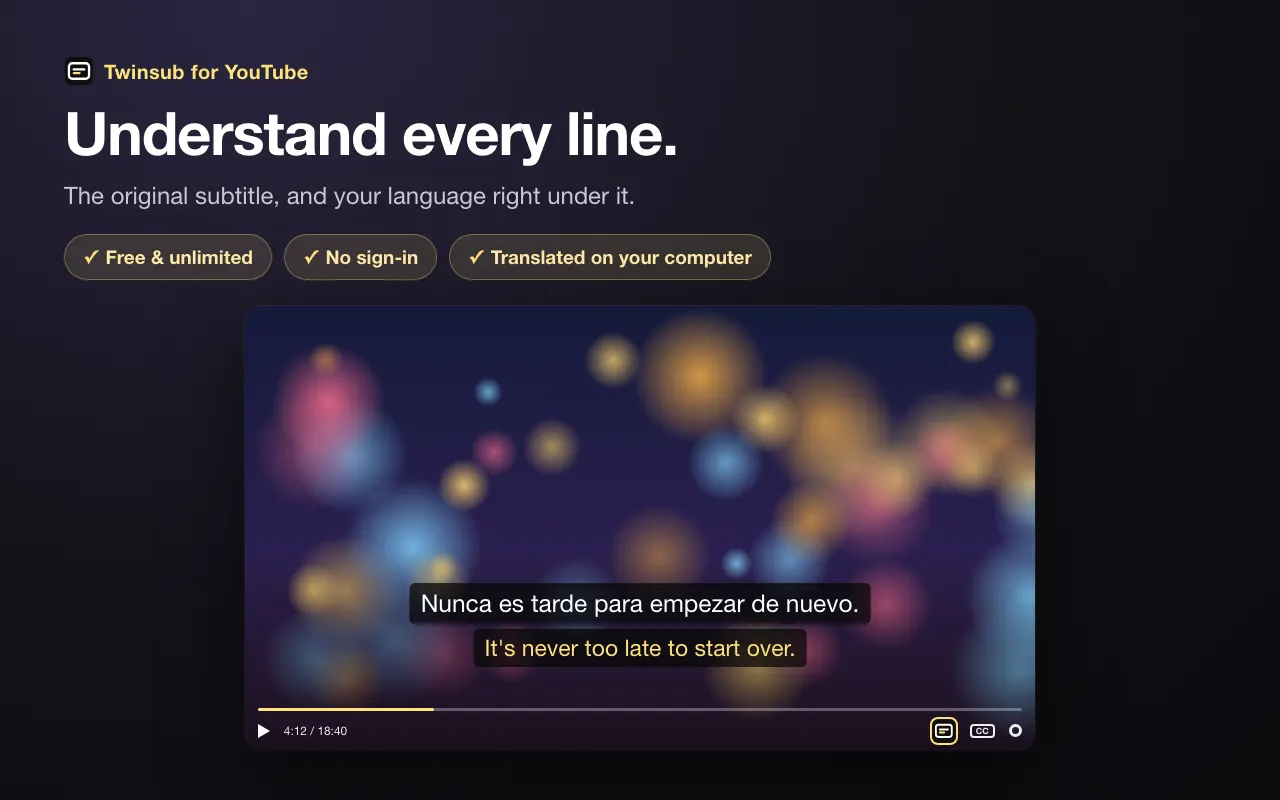
Dual subtitles for YouTube.
The original line, and your language right under it. When a line still doesn't click, mark it and get the meaning, the background and the joke explained.
Chrome 138+ on a computer · Free · No sign-in
Built for watching in another language
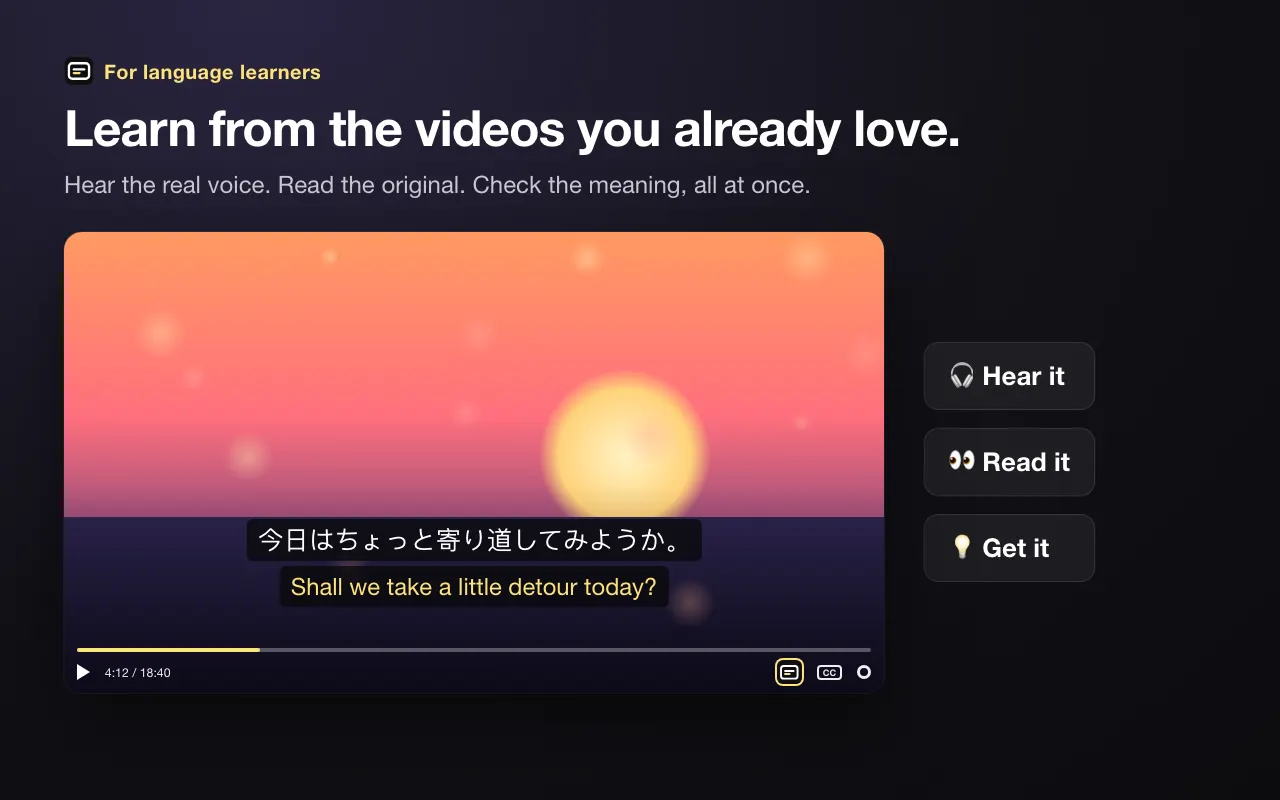
Learn from the videos you already love.
Hear the real voice. Read the original. Check the meaning, all at once.
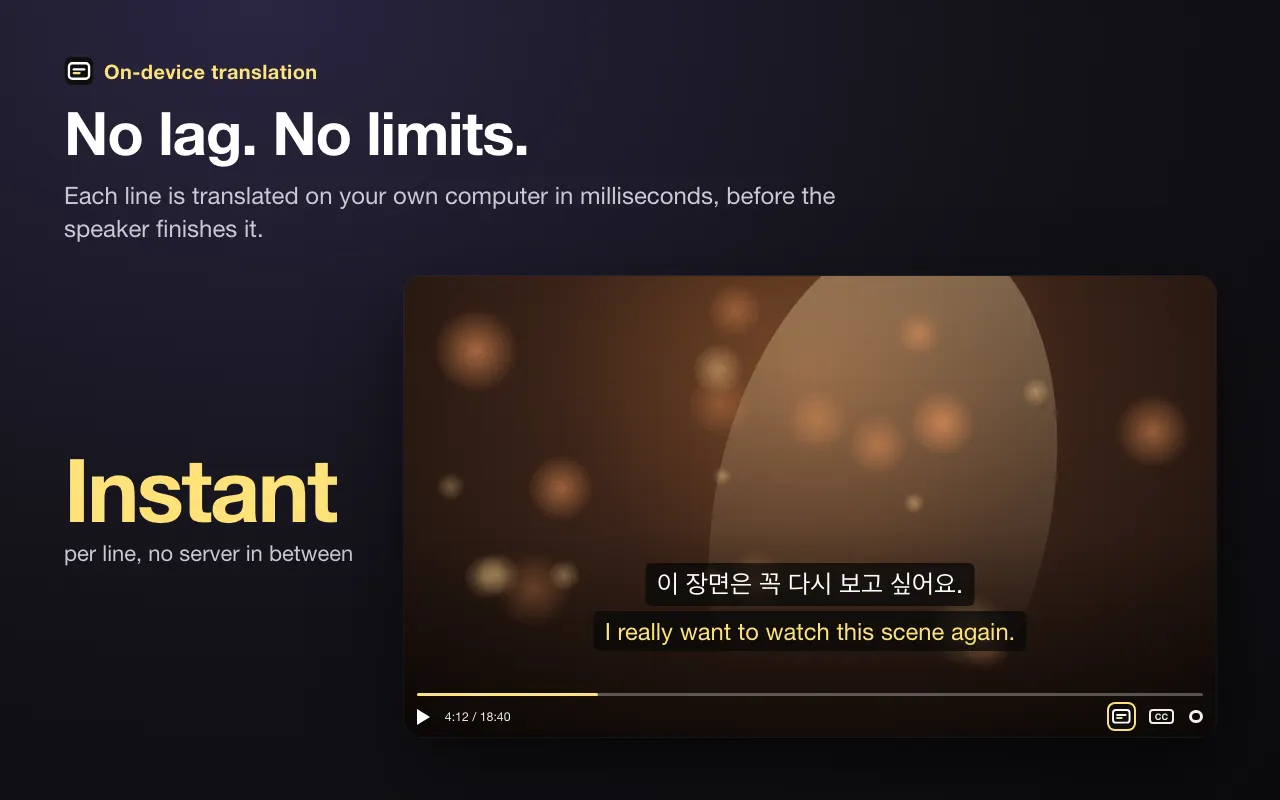
No lag. No limits.
Each line is translated on your own computer in milliseconds, before the speaker finishes it.
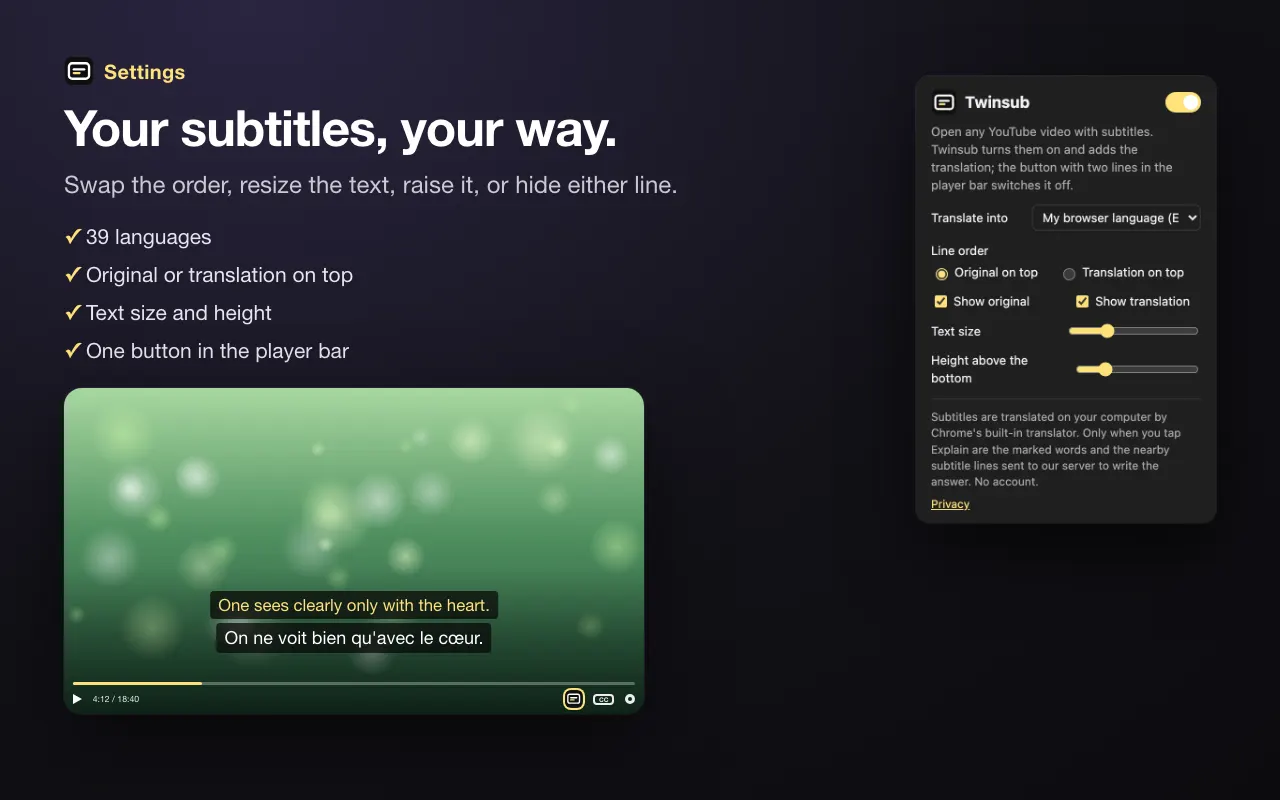
Your subtitles, your way.
Swap the order, resize the text, raise it, or hide either line.
Didn't catch that?
Mark it. Get it.
Machine translation gets the words, not always the meaning. Pause, mark the part of the translation you don't get, and Twinsub explains what the original says: the idiom, the field term, the cultural reference, the meme.
- Press ? next to the subtitles, or E. The video pauses.
- Mark the confusing part of the translation.
- Tap Explain. The answer appears under the line, in your language.
5 free explanations a day. Pro: 1,000 a month for $4.99. Dual subtitles are always free.
An app that matches dog owners with walkers on demand, the way Uber matches riders with drivers. Said with a bit of self-mockery.
Background"The Uber for X" was a stock startup pitch in the 2010s. It got used so much that saying it now sounds like a joke about yourself.
How to start
- Add Twinsub to Chrome.
- Open any YouTube video that has subtitles, hand-made or auto-generated.
- The first time you use a language pair, click the yellow prompt. Chrome downloads its translation pack in a few seconds.
Questions
Is Twinsub free?
Yes. Dual subtitles are free and unlimited, with no account and no trial. Explanations are free 5 times a day.
Is there a paid plan?
Twinsub Pro gives you 1,000 explanations a month instead of 5 a day, for $4.99 a month. Cancel anytime from the Twinsub menu. Dual subtitles stay free and unlimited either way.
How is the translation done?
With the translator built into Chrome (Chrome 138 and newer). Each line is translated on your own computer in a few milliseconds, so nothing waits on a server.
Does it work with auto-generated subtitles?
Yes. Twinsub regroups YouTube's auto-generated captions into whole sentences before translating them, and follows whatever track you pick in the CC menu.
Which languages can I translate into?
39: English, Chinese (Simplified and Traditional), Japanese, Korean, Spanish, French, German, Portuguese, Italian, Russian, Arabic, Hindi, Indonesian, Vietnamese, Thai, Turkish, Polish, Dutch, Ukrainian and more.
What leaves my computer?
For subtitles, nothing. When you tap Explain, the words you marked and a few subtitle lines around them go to our server, which asks Claude, an AI model by Anthropic, for the answer. See the privacy policy.
Which browsers does it run on?
Chrome 138 or newer on Windows, macOS, Linux and ChromeOS. Other Chromium browsers can install it, but may not include Chrome's on-device translator.
Chrome 138+ on a computer · Free · No sign-in